Showing posts with label MasterPage. Show all posts

AngularJs Using in Masterpage Asp.Net

AngularJs Using in Masterpage Asp.Net

AngularJs is a structural framework for dynamic web apps. It lets you use HTML as your template language and lets you extend HTML's syntax to express your application's components clearly and succinctly. 


The AngularJS Components


1.ng-app   - AngularJS application to HTML.

2.ng-model - AngularJS application data to HTML input controls.


3.ng-bind AngularJS Application data to HTML tags.

Ex : {{ng-bind}}


DEMO


HTML


<%@ Page Title="" Language="C#" MasterPageFile="~/MasterPage.master" AutoEventWireup="true" CodeFile="Default.aspx.cs" Inherits="_Default" %>

<asp:Content ID="Content1" ng-app ContentPlaceHolderID="head" Runat="Server">

       <script src = "https://ajax.googleapis.com/ajax/libs/angularjs/1.4.8/angular.min.js"></script>
     
</asp:Content>
<asp:Content ID="Content2" ContentPlaceHolderID="ContentPlaceHolder1" Runat="Server">

    <div align="center" ng-app>
        <h1>AnjularJs Using in Masterpage</h1>
<table><tr><td>
    <asp:Label ID="Label1" runat="server" Text="Name"></asp:Label>
    </td><td>
        <asp:TextBox ID="TextBox1" ng-model="name" runat="server"></asp:TextBox>
    </td><td style="color:red">{{name}}</td></tr>
    <tr><td>
        <asp:Label ID="Label2" runat="server" Text="Email"></asp:Label>
        </td><td>
            <asp:TextBox ID="TextBox2" ng-model="email" runat="server"></asp:TextBox>
        </td><td style="color:red">{{email}}</td></tr>
    <tr><td>
        <asp:Label ID="Label3" runat="server" Text="Mobile Number"></asp:Label>
        </td><td>
            <asp:TextBox ID="TextBox3" ng-model="mobile" runat="server"></asp:TextBox>
        </td><td style="color:red">{{mobile}}</td></tr>
    <tr><td colspan="2" style="color:deeppink">{{name}},{{email}},{{mobile}}</td></tr>
</table>

    </div>

</asp:Content>


First Add new webform - Add Masterpage - Head section Contentplaceholder inside add AngularJs Script Plugin


Next - Add ng-app add to div tab - ng-modal add for name,mobile,email  and bind {{ng-bind}} individually even with total binding


Jquery Datepicker not working in Master Page Using Asp.Net

Jquery Datepicker not working in Master Page

Jquery Datepicker  not working inside of master page because ContentPlaceholder strange id does not  find so put input id properly avoid this problem.


Working:

  $("input[id$='textboxDate']")

                         
                                             DEMO


                        HTML CODING

<%@ Page Title="" Language="C#" MasterPageFile="~/MasterPage.master" AutoEventWireup="true" CodeFile="Default2.aspx.cs" Inherits="Default2" %>

<asp:Content ID="Content1" ContentPlaceHolderID="head" Runat="Server">
     <link rel="stylesheet" href="http://code.jquery.com/ui/1.11.4/themes/ui-lightness/jquery-ui.css"/>
<script type="text/javascript" src="http://code.jquery.com/jquery-1.10.2.js"></script>
<script type="text/javascript" src="http://code.jquery.com/ui/1.11.4/jquery-ui.js"></script>

     <%--NOT WORKING--%>
    <script type="text/javascript" lang="javascript">
        $(function () {
            $("#textboxDate").datepicker({
                dateFormat: 'dd/mm/yy',
            });
        });
    </script>

    <%--WORKING--%>

    <script type="text/javascript" lang="javascript">
        $(function () {

            $("input[id$='textboxDate']").datepicker({
                dateFormat: 'dd/mm/yy',
            });
        });
    </script>

</asp:Content>
<asp:Content ID="Content2" ContentPlaceHolderID="ContentPlaceHolder1" Runat="Server">
    <html xmlns="http://www.w3.org/1999/xhtml">
<head id="Head1">
    <title></title>


</head>
<body>
    <div>
 
        <table><tr><td>
            <asp:Label ID="Label1" runat="server" Text="Select Date"></asp:Label>
            </td><td>
                <asp:TextBox ID="textboxDate" runat="server"></asp:TextBox>
            </td></tr></table>
  
    </div>
</body>
</html>


</asp:Content>


Add New Master page - next add new Webform for Masterpage  -  Jquery Datetime picker input id value accept Content place holder 


Next - Textbox id for call child strange id to masterpage ContentPlaceHolder


Auto Suggestion Search TextBox in MasterPage using Jquery & WebServices in Asp.Net C#

Auto Suggestion Search MasterPage


Auto Suggestion Search Textbox in MasterPage  Search Textbox Add to ContentPlaceHolder and Name   Called to Scripts using WebService in Asp.Net C#.


 Auto Suggestion Box Master Page
 Auto Suggestion Box Multiple Table Search
 Auto Suggestion Ajax AutoCompleteExtender
 Auto Complete Search For WINDOW APPLICATION


                           DEMO


WebService.asmx  Coding


using System;
using System.Collections.Generic;
using System.Web;
using System.Web.Services;
using System.Configuration;
using System.Web.Script.Services;
using System.Data.SqlClient;
using System.Web.Script.Serialization;
using System.Data;


[WebService(Namespace = "http://tempuri.org/")]
[WebServiceBinding(ConformsTo = WsiProfiles.BasicProfile1_1)]
[System.Web.Script.Services.ScriptService]

public class WebService : System.Web.Services.WebService
{

    [WebMethod]
    public List<string> AutoSugg(string names)
    {
        List<string> result = new List<string>();

        SqlConnection con = new SqlConnection 
        (System.Configuration.ConfigurationManager.ConnectionStrings["dbcon"].ToString());

        con.Open();

        string query = "select name from student  where name LIKE @SearchText +'%'";

        SqlCommand cmd = new SqlCommand(query, con);

        cmd.Parameters.AddWithValue("@SearchText", names);

        SqlDataAdapter adp = new SqlDataAdapter(cmd);

        DataSet ds = new DataSet();

        adp.Fill(ds);

        SqlDataReader dr = cmd.ExecuteReader();

        if (ds.Tables[0].Rows.Count > 0)
        {

            while (dr.Read())
            {

                result.Add(dr["name"].ToString());

            }


        }
        else
        {
            result.Add("No Records Found");

        }


        return result;


    }


}


Html Coding


<%@ Master Language="C#" AutoEventWireup="true" CodeFile="MasterPage.master.cs" Inherits="MasterPage" %>


<!DOCTYPE html>


<html xmlns="http://www.w3.org/1999/xhtml">
<head id="Head1" runat="server">


                   <%--AUTOSUGGEST SEARCH TEXTBOX TO MASTERPAGE--%>
                   <%--AUTOSUGGEST SEARCH TEXTBOX TO MASTERPAGE--%>
                   <%--AUTOSUGGEST SEARCH TEXTBOX TO MASTERPAGE--%>


    <link href="http://ajax.googleapis.com/ajax/libs/jqueryui/1.8.1/themes/base/jquery-ui.css" rel="stylesheet" type="text/css"/>
 <script type="text/javascript" src="http://ajax.googleapis.com/ajax/libs/jquery/1.4.2/jquery.min.js"></script>
 <script type="text/javascript" src="http://ajax.googleapis.com/ajax/libs/jqueryui/1.8.1/jquery-ui.min.js"></script>
 <script type="text/javascript">


     $(document).ready(function () {
         SearchText();
     });
     function SearchText() {
         $(".autosuggest").autocomplete({
             source: function (request, response) {
                 $.ajax({
                     type: "POST",
                     contentType: "application/json; charset=utf-8",
                     url: "WebService.asmx/AutoSugg",
                     data: "{'names':'" + document.getElementById('ContentPlaceHolder1_TextBoxAutoSearch').value + "'}",
                     dataType: "json",

                     success: function (data) {
                         response(data.d);

                     },
                     error: function (result) {
                         alert("Error");

                     }

                 });
             }
         });
     }
   </script>


                   <%--AUTOSUGGEST SEARCH TEXTBOX TO MASTERPAGE--%>
                   <%--AUTOSUGGEST SEARCH TEXTBOX TO MASTERPAGE--%>
                   <%--AUTOSUGGEST SEARCH TEXTBOX TO MASTERPAGE--%>


    <title></title> 


    <asp:ContentPlaceHolder id="head" runat="server">     


    </asp:ContentPlaceHolder>
</head>
<body>
    <form id="form1" runat="server">
    <div>
        <asp:ContentPlaceHolder id="ContentPlaceHolder1" runat="server">


                 <asp:TextBox ID="TextBoxAutoSearch"  class="autosuggest" runat="server"   ></asp:TextBox>


        </asp:ContentPlaceHolder>
    </div>
       
    </form>
</body>
</html>


First  Add - New Master Page  Form


Master Page Show ContentPlaceHolder 


Next - Add  - TextBox To MasterPage ContentPlaceHolder1 - Id Change to TextBoxAutoSearch - Class Name Add to  WhatEver Use in Script Name


Next - Add To Web Service Form 


Web Service.cs - Add the NameSpaces - [WebMethod] - Next Add Your Coding  Below like that


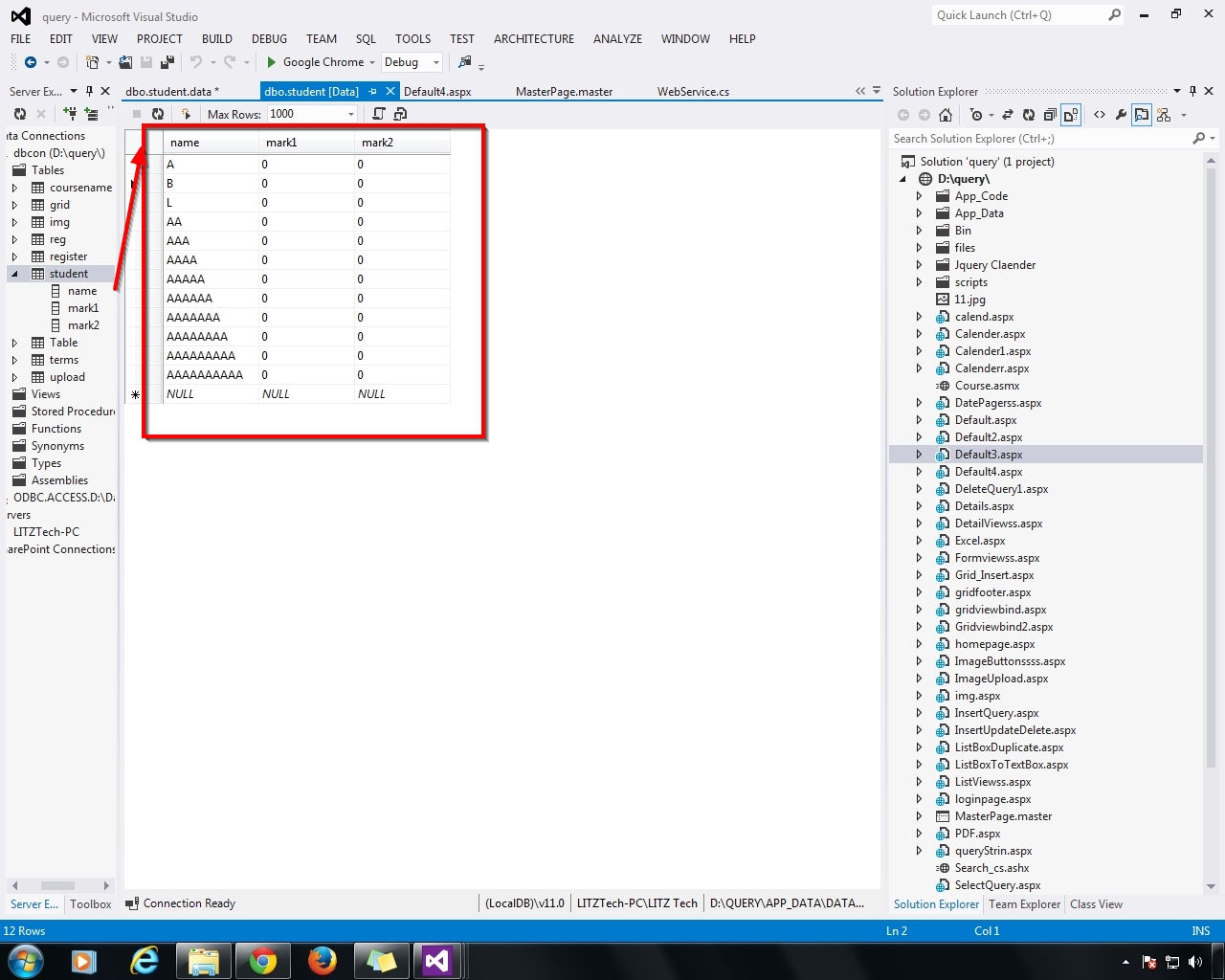
Next - Add Your DataBase Table Name -  Read From DataReader  & DataSet  


Next - Add to Master Page Scripts using JQuery - Below Like That


Call the WebService Name,Data NAme,MethodName

ContentPlaceHolder1_TextBoxAutoSuggest - used to 
call the master page TextBox(search MasterPage Must Be Give ContentPlaceHolder Id from Textbox)


Insert the Date To Table Search Field


Next - Add New - Webform - Select Master Page - Add

This WebForm Add to Under the MasterPage


WebForm - Add to below the  Master Page  - OK


New Web Form - Right Click - Add to Default Master's Content


Master Page Contents Add  to New WebForm


Next - Run(F5) the New WebForm - Search TextBox  - Open - Search The Related Keyword


Next - aaaaaa - Related Names Displayed


Next - Search - b - Related Name Display


Next - Search - Without Table Name - Z - Display No Records Found